


Trust Factor in Counter-Strike 2 is a hidden matchmaking system that helps determine which players are grouped together. Valve introduced Trust Factor in November 2017 for CS:GO and continues to document the system for Counter-Strike 2. The exact formula is not public, and there is no official way to view your personal Trust Factor. Valve says the system considers a player’s past experience in Counter-Strike 2 and on Steam, while the exact factors and their weight are intentionally kept private.

- What Is Trust Factor
- What Determines Trust Factor
- How to Check Your Trust Factor
- Trust Factor Warning
- What Can Lower Trust Factor
- How to Improve Trust Factor
- How Long Recovery Takes
- Trust Factor vs. VAC
- Common Trust Factor Myths
For players who want to improve their ranked experience without spending time on repeated matches, consider our CS2 boost services.
What Is Trust Factor in CS2
Trust Factor is a hidden matchmaking system designed to group players who are likely to have a better experience together. Valve introduced it in November 2017 as a broader approach to matchmaking than the original Prime system. Instead of relying on a single qualification, Valve began using a wider range of information from Counter Strike and Steam.
The exact Trust Factor formula is not public. Valve states that it does not provide the complete list of factors because the system is continuously adjusted and because publishing the details could encourage players to optimize individual actions around the system. The official explanation is intentionally broad: Trust Factor looks at a player’s past experience in Counter Strike and on Steam.
Trust Factor is not the same as CS Rating or competitive skill. CS Rating measures competitive performance in Premier, while Trust Factor is used to influence the matchmaking environment. A player can therefore have a high CS Rating without having a publicly visible Trust Factor score.
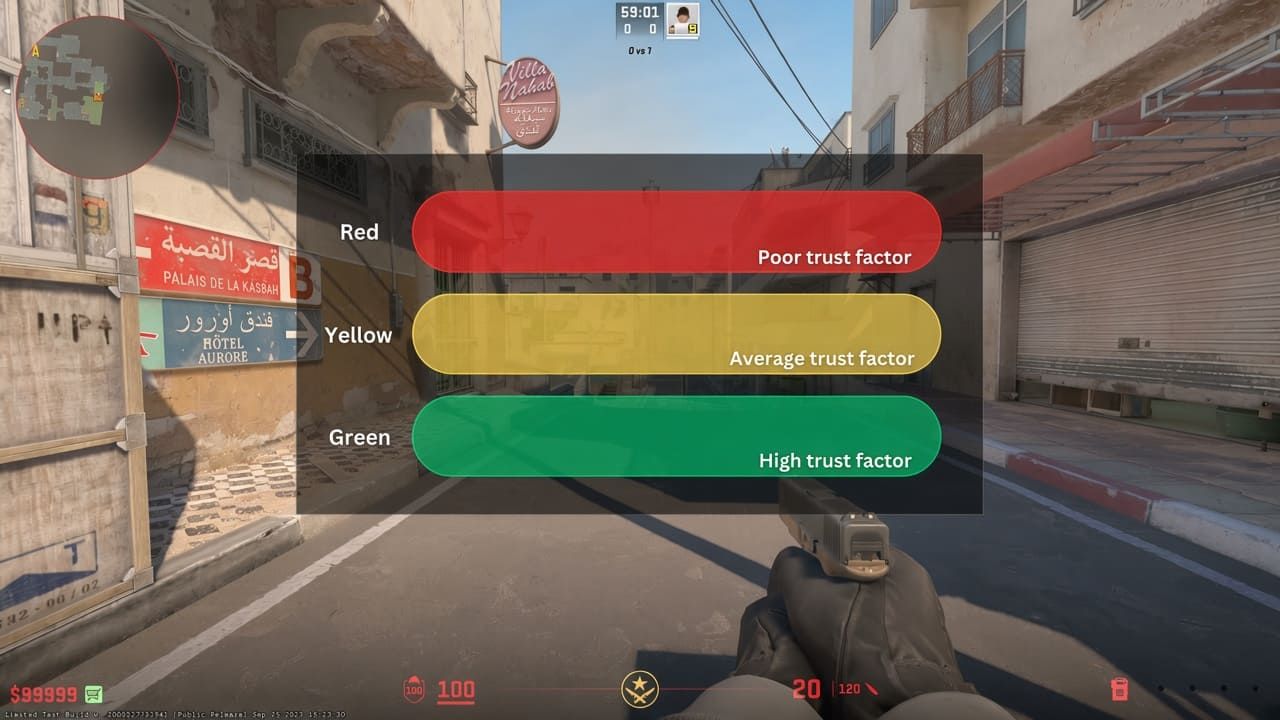
Valve does not publish a Trust Factor number. There is no official dashboard that shows whether an account has a high, medium, or low score. Community terms such as green, yellow, and red are useful shorthand for perceived matchmaking conditions, but they are not official Trust Factor ratings.
What Determines Trust Factor in CS2
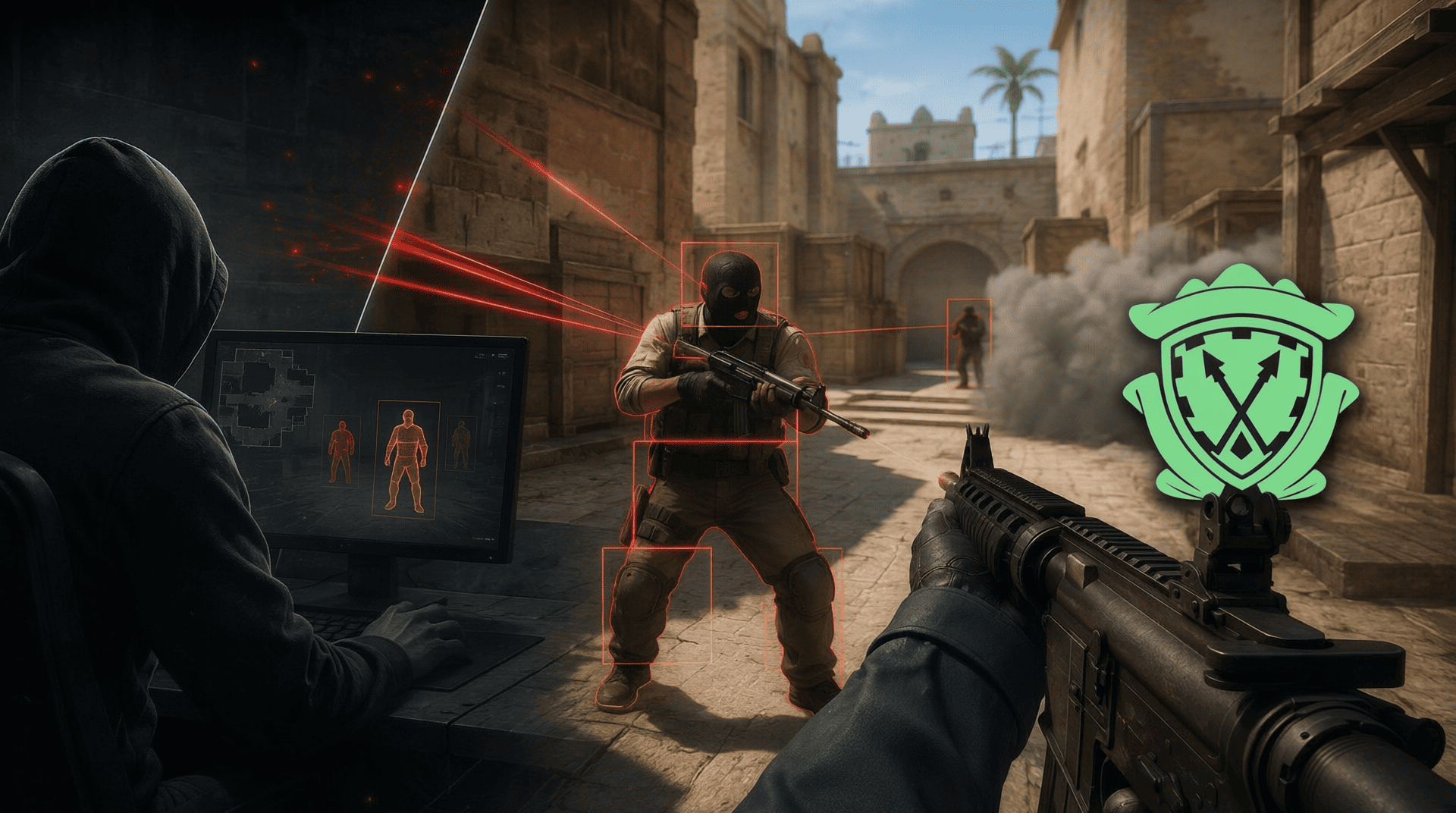
Valve does not publish the complete factor list. The official Steam FAQ confirms that Trust Factor is based on a user’s past experience in Counter Strike 2 and on Steam. Valve has also specifically confirmed that phone numbers and Counter Strike 2 Rank are among the factors used by the Trust Factor matchmaking system.
| Factor | What Valve confirms |
| Counter Strike 2 history | Your past experience in Counter Strike 2 is considered by the matchmaking system. |
| Steam history | Your past experience on Steam can contribute to Trust Factor. |
| Phone number | Valve explicitly lists a linked phone number among the factors used by Trust Factor matchmaking. |
| Counter Strike 2 Rank | Valve explicitly lists in game rank among the factors used by Trust Factor matchmaking. |
| Time played | Valve has historically stated that time spent playing Counter Strike and other Steam games can be considered. |
| Reports for cheating | Valve historically cited how frequently an account was reported for cheating as an example of observed information used by Trust. |
| Other Steam games | Valve has historically stated that time spent playing other Steam games can be considered. |
| Account history | Valve confirms that previous Steam and Counter Strike experience matters, but does not publish the exact contribution of individual account history elements. |
Historical examples are not a complete modern formula. Valve’s original Trust Factor explanation was published in 2017 and explicitly stated that the system would continue to change. The examples above should therefore not be treated as a current list of weighted variables or guaranteed penalties.
Acquired accounts are a special case. Valve states that when a player acquires an existing Steam account, they also acquire that account’s Trust Factor. Valve also warns that acquired accounts commonly have very low Trust Factor. Creating or buying another account is therefore not a reliable way to solve a Trust Factor problem.
How to Check Your Trust Factor in CS2

| Method | What it tells you |
| Official Trust Factor score | Not available. Valve does not display the score. |
| Party warning | Shows that another player in the lobby has a lower Trust Factor than yours when the relevant Prime matchmaking conditions apply. |
| Looking to Play | Can show player availability, but it is not an official Trust Factor meter. |
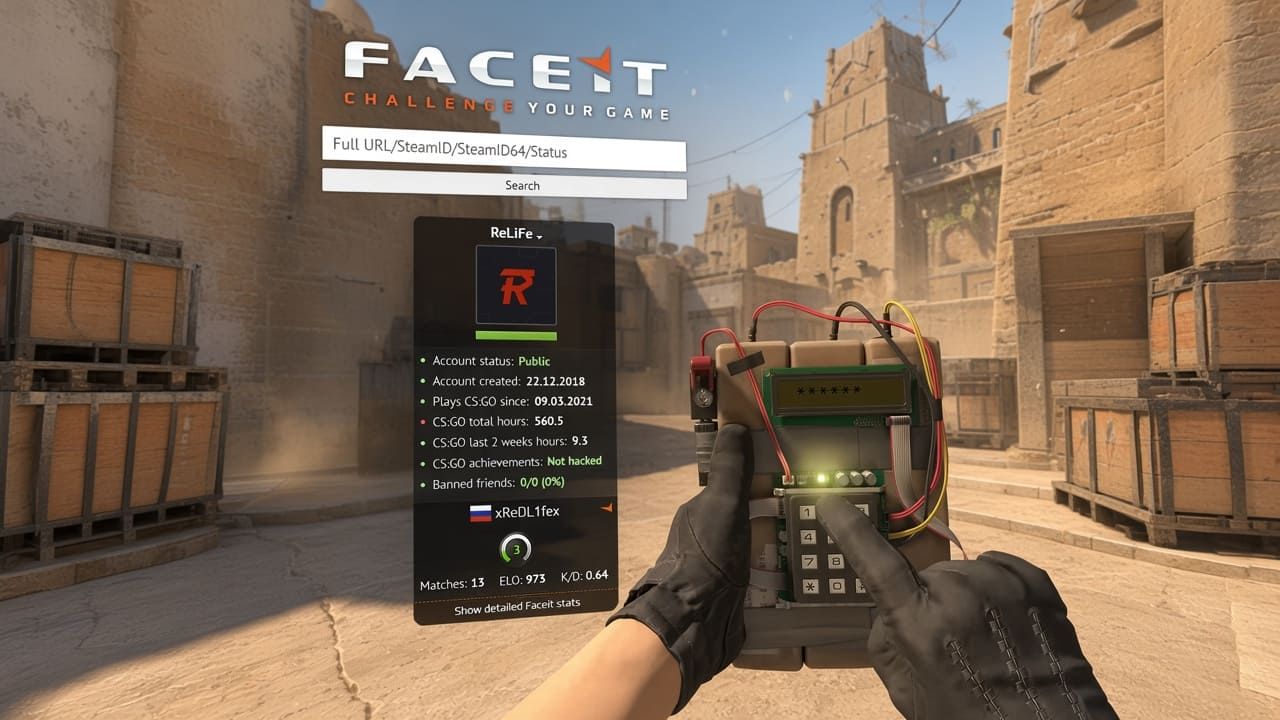
| Third party websites | Cannot provide an official Trust Factor score because Valve does not expose the value. |

Match quality is not proof of a specific Trust Factor. Queue time, region, selected maps, player availability, party composition, and other matchmaking conditions can affect the players you encounter. Poor matches alone do not prove that an account has low Trust Factor.
The CS2 Trust Factor Warning
| Warning | Official message | Meaning |
| Slight impact | Your matchmaking experience may be slightly impacted because Trust Factor of [player] is lower than yours. | The other player has a lower Trust Factor than you, but the difference is described as smaller. |
| Significant impact | Your matchmaking experience will be significantly affected because Trust Factor of [player] is substantially lower than yours. | The other player has a substantially lower Trust Factor than you. |
The warning does not reveal your own Trust Factor level. A significant warning does not prove that the other player has a universally low Trust Factor. It only tells you that their Trust Factor is substantially lower than yours.
Party matchmaking uses the lowest Trust Factor in the group. Valve’s official FAQ states that when players are in a party, matchmaking uses the lowest Trust Factor of any individual in the party. If your party contains a player with substantially lower Trust Factor, the matchmaking experience can therefore be affected.
What Can Lower Trust Factor in CS2
| Account situation | What can be stated with confidence |
| Acquired Steam account | Valve confirms that an acquired account keeps the Trust Factor associated with that account and notes that acquired accounts commonly have very low Trust Factor. |
| Negative Counter Strike history | Valve confirms that past Counter Strike experience is considered, but does not publish exact penalties for individual actions. |
| Negative Steam history | Valve confirms that past Steam experience is considered, but does not publish the exact weight of individual actions. |
| Cheating reports | Valve historically identified frequency of cheating reports as one example of information used by the Trust system. |
| Other account signals | The exact list and weighting are private and can change over time. |
Do not treat individual reports as a guaranteed Trust Factor penalty. Valve has never published a rule saying that one report, a fixed number of reports, or a single report wave automatically changes an account to a specific Trust level.
The same applies to toxicity, griefing, AFK behavior, commendations, private profiles, Steam spending, Steam Guard, and similar claims. Some of these actions may be discussed by the community, but they should not be presented as confirmed Trust Factor variables unless Valve explicitly confirms them.
How to Improve Your Trust Factor in CS2


| Step | Action | Reason |
| 1 | Play legitimately | Valve explicitly recommends legitimate play as the basis for improving matchmaking. |
| 2 | Keep playing Counter Strike 2 | More legitimate play gives the system more information about your account. |
| 3 | Stay active on Steam | Valve states that Steam history is part of the information considered by Trust Factor. |
| 4 | Use Prime status | Valve confirms that Prime status, phone number, and Counter Strike 2 Rank are connected to Trust Factor matchmaking. |
| 5 | Use a consistent account | Acquiring another account does not transfer your existing Trust Factor and can introduce a low Trust Factor history. |
| 6 | Contact Valve about a suspected problem | Valve provides a Trust Factor feedback address for players who believe their matchmaking experience is affected. |
Prime is not a replacement for Trust Factor. Valve states that Trust Factor matchmaking continues to operate and that Prime status adds additional matchmaking restrictions. Prime should therefore not be described as a reset or guaranteed high Trust Factor.
There is no official reset button. Valve does not provide a Trust Factor reset procedure. Starting another account is also not a recommended solution because an acquired account carries its existing Trust Factor and a new account has limited history for the system to evaluate.
How Long Does Trust Factor Recovery Take

| Question | Official information |
| How many matches are required? | Valve does not provide a number. |
| How many days does recovery take? | Valve does not provide a fixed timeframe. |
| Does inactivity reset Trust Factor? | There is no official reset rule based on inactivity. |
| Can Trust Factor improve? | Yes. Valve explicitly states that players can improve their Trust Factor by being positive members of the Counter Strike and Steam community and continuing to play legitimately. |
Recovery should not be measured by a fixed schedule. If matchmaking improves over time, that can be a useful practical sign, but it does not reveal a specific Trust Factor score.
Trust Factor vs. VAC
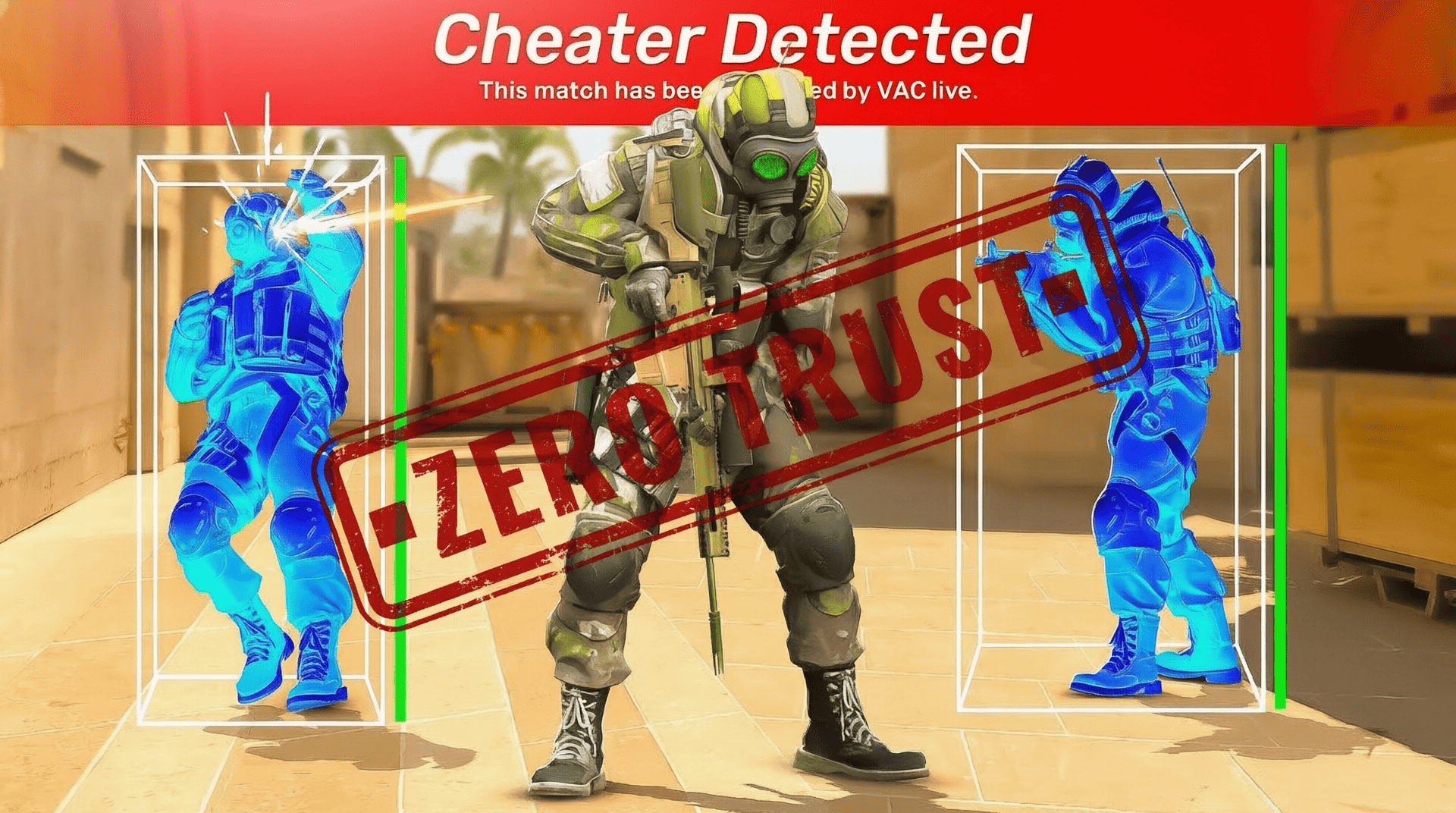
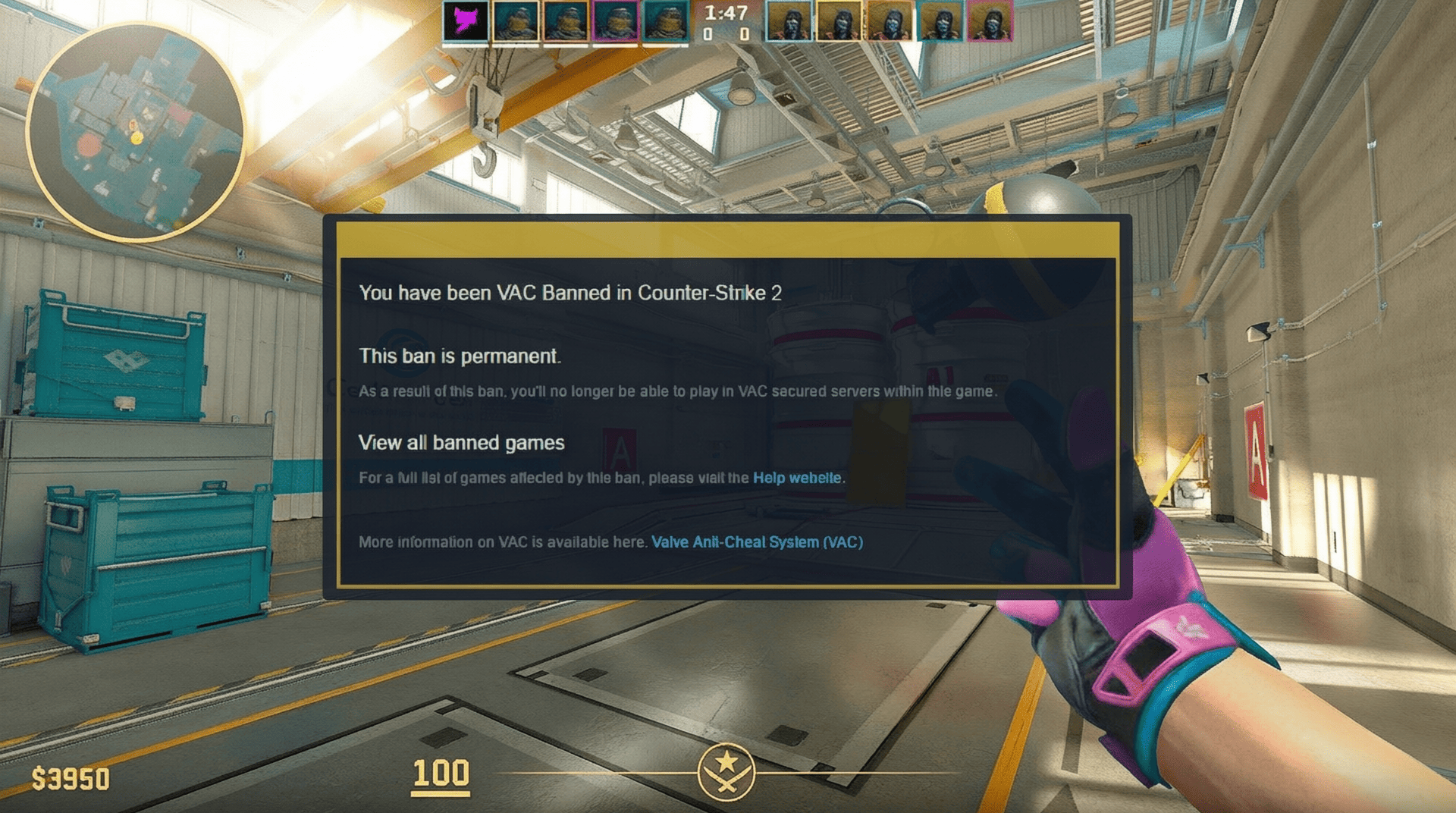
Trust Factor and VAC serve different purposes. Trust Factor is a matchmaking system that uses account history and other information to group players. VAC is Valve’s anti cheat technology used to detect cheating.
| Feature | Trust Factor | VAC |
| Purpose | Influences matchmaking between players. | Detects cheating and enforces Valve’s anti cheat systems. |
| Visibility | Hidden from players. | VAC bans are visible on Steam profiles. |
| Personal score | No official score is displayed. | There is no player facing VAC score. |
| Matchmaking role | Helps determine the matchmaking environment. | Anti cheat detection operates separately from the Trust Factor system. |
A Trust Factor problem is not the same as a VAC problem. A player can have poor matchmaking conditions without having a VAC ban, while a VAC ban is a separate account enforcement action.
Common Trust Factor Myths

| Myth | Truth |
| Trust Factor has an official green, yellow, and red score. | Valve does not display a personal Trust Factor score or official color rating. |
| The yellow warning means your Trust Factor is yellow. | The warning means another player in the party has a lower Trust Factor than yours. |
| The red warning means your Trust Factor is red. | The significant warning means another player has a substantially lower Trust Factor than yours. |
| Looking to Play shows your exact Trust Factor. | Valve does not identify Looking to Play as an official Trust Factor meter. |
| One report automatically lowers Trust Factor. | Valve does not publish a fixed report threshold or automatic penalty formula. |
| Commending players is a confirmed Trust Factor boost. | Valve does not list commendations as a confirmed Trust Factor factor. |
| Spending money on Steam guarantees better Trust Factor. | Valve does not state that Steam spending guarantees a higher Trust Factor. |
| A new account automatically has red Trust Factor. | New players do not necessarily have low Trust Factor. Valve says previous positive Steam experience can contribute to a high starting Trust Factor. |
| Buying another account fixes Trust Factor. | No. Valve states that an acquired account carries its existing Trust Factor and commonly has low Trust Factor. |
| Trust Factor can be reset manually. | Valve does not provide a reset mechanism. |
FAQ
Is Trust Factor still used in CS2?
Yes. Steam’s current official FAQ documents Trust Factor matchmaking for Counter Strike 2. Valve continues to use the system to influence matchmaking based on account history and other undisclosed factors.
Can I see my Trust Factor?
No. Valve does not provide an official Trust Factor score, color, or dashboard. Party warnings are the main direct indication that the Trust Factor of another player is lower than yours.
What does the yellow Trust Factor warning mean?
It means another player in your party has a lower Trust Factor than yours. The warning does not mean that your own Trust Factor is officially classified as yellow.
What does the red Trust Factor warning mean?
It means another player in your party has a substantially lower Trust Factor than yours. It does not reveal the absolute Trust Factor level of either player.
Can playing with a low Trust Factor friend affect matchmaking?
Yes. Valve states that party matchmaking uses the lowest Trust Factor of any individual in the party. Players with Prime status may also receive a warning when another Prime player in the lobby has a lower Trust Factor.
Does Prime status improve Trust Factor?
Valve confirms that Prime status is connected to Trust Factor matchmaking. Valve also specifically lists phone numbers and Counter Strike 2 Rank among the factors used by the system. Prime does not provide a visible Trust Factor score or a manual reset.
How can I improve my Trust Factor?
Play Counter Strike 2 and other Steam games legitimately and remain a positive member of the community. This is the official guidance from Valve. The system is continuously adjusted, so there is no guaranteed shortcut or fixed recovery method.
How long does it take to improve Trust Factor?
Valve does not provide a fixed timeframe. There is no official number of matches or days required for recovery.
Can I fix Trust Factor by buying a new account?
No. Valve specifically warns that acquired accounts keep their existing Trust Factor and commonly have very low Trust Factor. A new account also does not provide a shortcut to a better matchmaking history.
Can I contact Valve about a Trust Factor problem?
Yes. Valve’s official Trust Factor FAQ provides CSGOTeamFeedback@valvesoftware.com for players who believe their matchmaking experience is being affected. Include your Steam ID and a clear description of the matchmaking issue.
Can third party websites show my exact Trust Factor?
No. Valve does not expose the Trust Factor score to players or third party services. A website claiming to reveal the exact value cannot provide an official Trust Factor score.
Does a high CS Rating mean I have high Trust Factor?
No. CS Rating and Trust Factor serve different purposes. CS Rating reflects competitive performance, while Trust Factor is a hidden matchmaking signal based on account history and other information.











Comments: